Getting started
Setting up ShipOS is designed to get you from idea to production in minutes, not weeks. This comprehensive guide walks you through creating your account, understanding the dashboard, and making your first API call.
Start by visiting the ShipOS dashboard and creating your account. Once logged in, you'll see your unique project dashboard where all your backend services are centralized. The first thing you'll notice is the clean, developer-focused interface that puts your most-used features front and center.
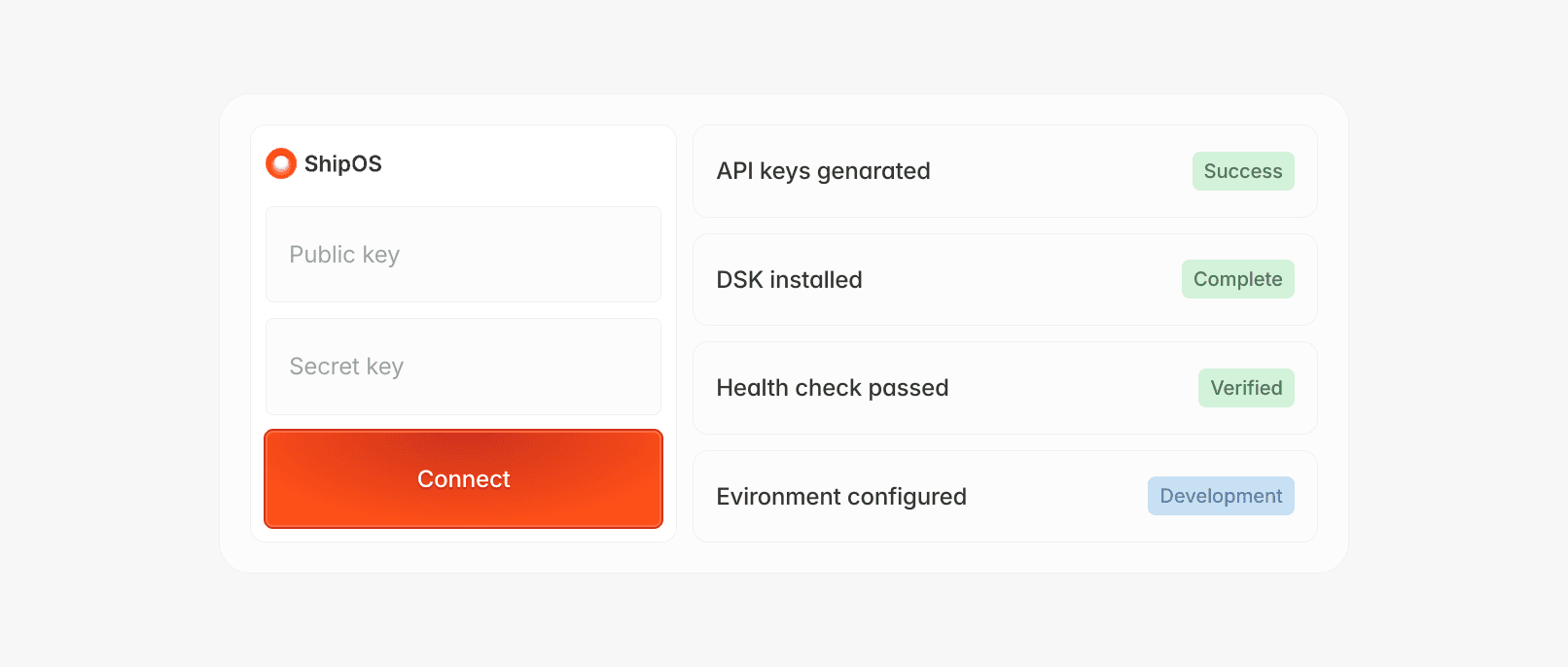
Your API keys are automatically generated upon account creation. Navigate to the "API Keys" section in your dashboard to find your public key and secret key. The public key is safe to use in client-side code, while the secret key should only be used server-side and kept secure.
Install the SDK and make your first connection:
The health check endpoint returns your project's operational status and confirms your API keys are configured correctly. You'll also see your current plan limits, usage statistics, and any important notifications about your account or services.